


Coil64 x64 MS Installer

Checksum Coil64-x64-2.4.39-setup.msi:
CRC32: c13f2d3d
MD5: 30acdf62886241ba731ac43a0499829f
SHA-256: a9adac95d6154bdcbe14efa4eb0d5158677a4e7b519f58370bffe1aaf6d4c2de
The program is installed in the usual way. Once installed it is visible in the installed programs list. Removing the program should also be made through the applet "Install and Remove Programs" of the Windows Control Panel. The app settings are stored in file "%USER%\AppData\Roaming\Coil64\Coil64.ini". You can keep it for the future installations or remove manually to completely clean the app from your system.
Warning! This Coil64 app is only for 64-bit versions Windows 7, 8, 8.1 ,10. For 32-bit versions Windows 7, 8, 8.1,10 you can get installation file here. The Windows XP users have to download Coil64 for Windows XP.
Also you can download the portable 64-bit version of the Coil64: Coil64-windows-amd64-portable.
Subscribe for updates
Subscribe to receive notifications about Coil64 updates on your Email. You can unsubscribe at any time. Subscription is by the ZOHO service.
Намоточный станок
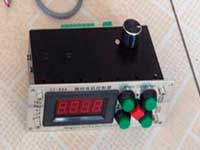
6 499 ₽
Измеритель LC200A
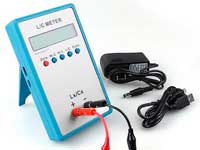
2 649 ₽
0.01 пФ - 100мФ Диапазон измерения индуктивности: 0.001 мкГн - 100Гн Точность измерения:1%.
ВЧ катушки
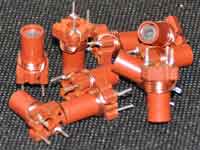
149 ₽
Автоматический измеритель LCR
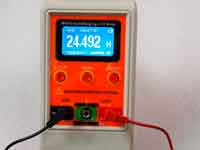
7 049 ₽
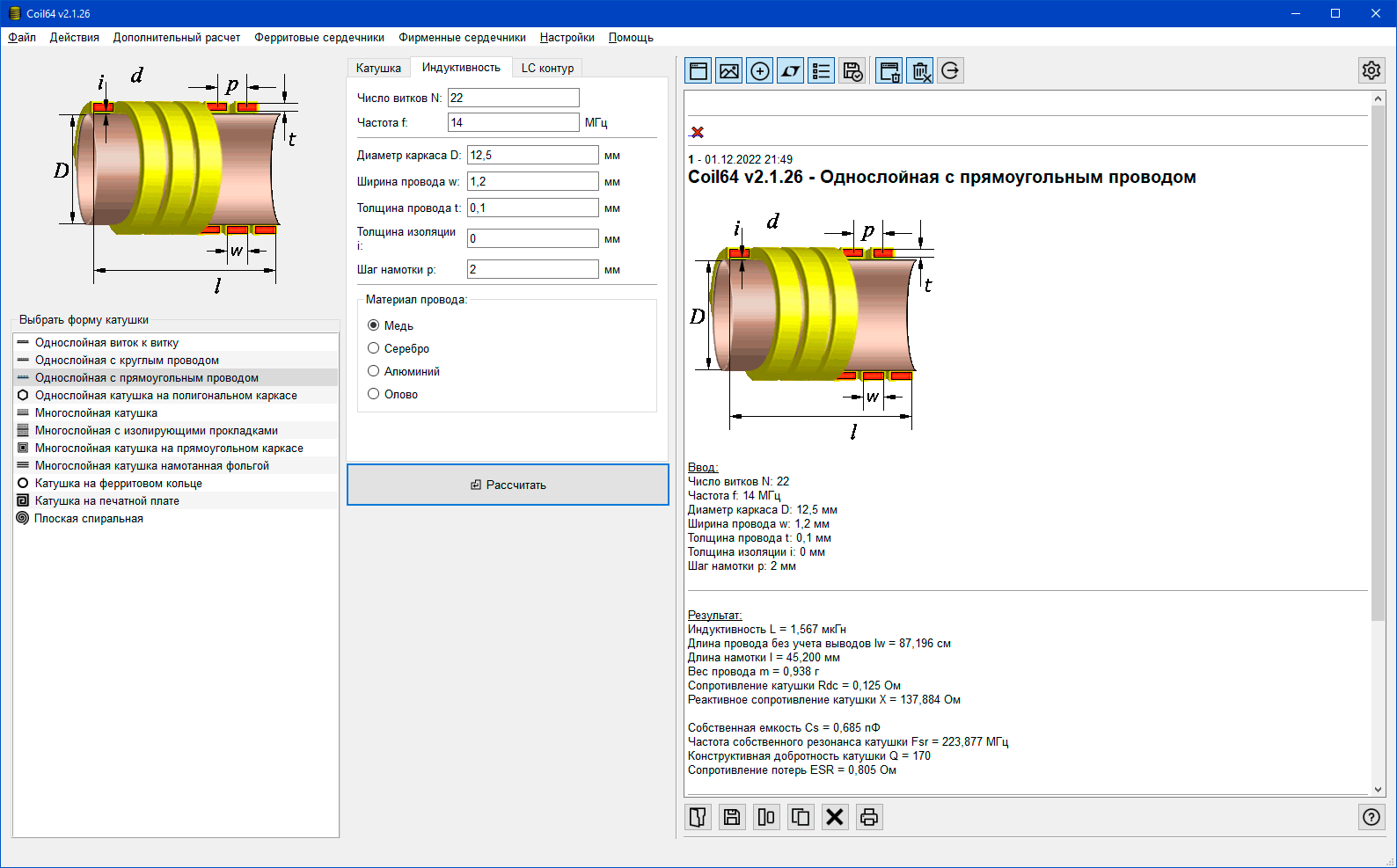
Скриншоты программы



Последнии комментарии
Расчет индуктивности на печатной плате
04.05.2026 05:32Хотелось бы задать шаг намотки, и изменить соотношение w/s чтобы можно было задать значение до 10.
Автор: AlbertРасчет однослойной катушки индуктивности
31.07.2025 18:17Приношу свои извинения... Действительно, при расчетах величина частоты на число витков не...
Автор: Валерий