


Coil64 for 32-bit Windows

Checksum Coil64-x86-2.4.39-setup.exe:
CRC32: 03f55fb7
MD5: 23a7c8594892f8c29b65a75484cbaded
SHA-256: 8a55e1618f7e690d349536cd253f6e250916d4b565a0e5a46e962802cbe8651d
The program is installed in the usual way. Once installed it is visible in the installed programs list. Removing the program should also be made through the applet "Install and Remove Programs" of the Windows Control Panel. The app settings are stored in file "%USER%\AppData\Roaming\Coil64\Coil64.ini". You can keep it for the future installations or remove manually to completely clean the app from your system.
Warning! This Coil64 app is only for 32-bit versions Windows 7, 8, 8.1 ,10. For 64-bit versions Windows 7, 8, 8.1,10 you can get installation file here. The Windows XP users have to download Coil64 for Windows XP.
Also you can download the portable 32-bit version of the Coil64: Coil64-windows-x86-portable
Subscribe for updates
Subscribe to receive notifications about Coil64 updates on your Email. You can unsubscribe at any time. Subscription is by the ZOHO service.
Намоточный станок
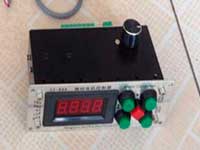
6 499 ₽
Измеритель LC200A
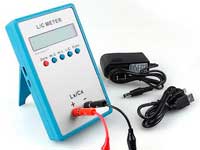
2 649 ₽
0.01 пФ - 100мФ Диапазон измерения индуктивности: 0.001 мкГн - 100Гн Точность измерения:1%.
ВЧ катушки
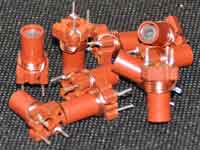
149 ₽
Автоматический измеритель LCR
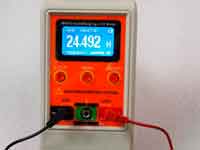
7 049 ₽
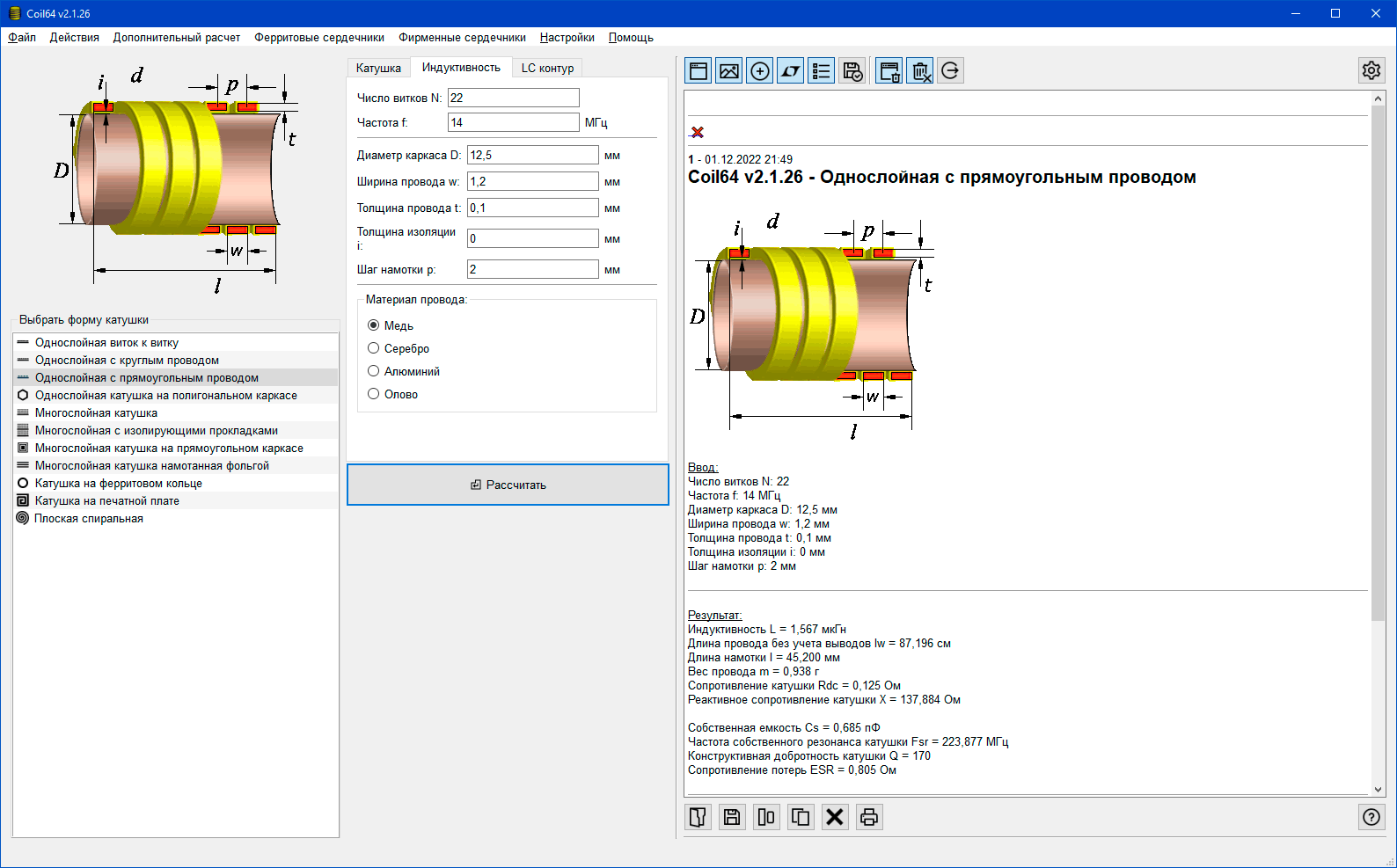
Скриншоты программы



Последнии комментарии
Расчет индуктивности на ферритовом стержне
16.11.2026 17:46Coil64 v2.4.39 При расчёте Индуктивность на ферритовом стержне, постоянно выдаёт ошибку lc >...
Автор: SergРасчет индуктивности на печатной плате
04.05.2026 05:32Хотелось бы задать шаг намотки, и изменить соотношение w/s чтобы можно было задать значение до 10.
Автор: Albert