


Coil64 for deb-based Linux
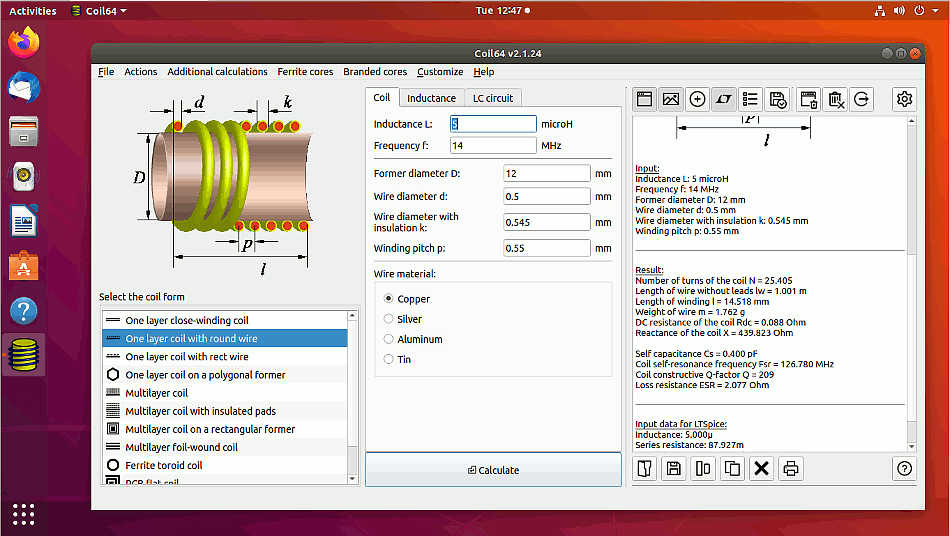
Checksum coil64-2.4.39-amd64.deb:
CRC32: 7502283a
MD5: 0451ad65983e9b12ba8910bb473180e4
SHA-256 c7016a826335fd5c2ee959115390ec5b4c98074218d3a96f201f01bec724b453
Download the deb-file. Install app by the terminal command:
sudo dpkg -i ./coil64-2.4.39-amd64.deb
To remove app from your machine type in the terminal:
sudo dpkg --purge coil64-2.4.39-amd64
Also one can use Gdebi or Synaptic to install or remove the application. The app settings are stored in the file "~/.config/Coil64/Coil64.conf". You can keep it for the future installations or remove manually to completely clean the app from your system.
Also you can use the portable Linux version of the app: Coil64-linux-portable.
Subscribe for updates
Subscribe to receive notifications about Coil64 updates on your Email. You can unsubscribe at any time. Subscription is by the ZOHO service.
Намоточный станок
6 499 ₽
Измеритель LC200A
2 649 ₽
0.01 пФ - 100мФ Диапазон измерения индуктивности: 0.001 мкГн - 100Гн Точность измерения:1%.
ВЧ катушки
149 ₽
Автоматический измеритель LCR
7 049 ₽
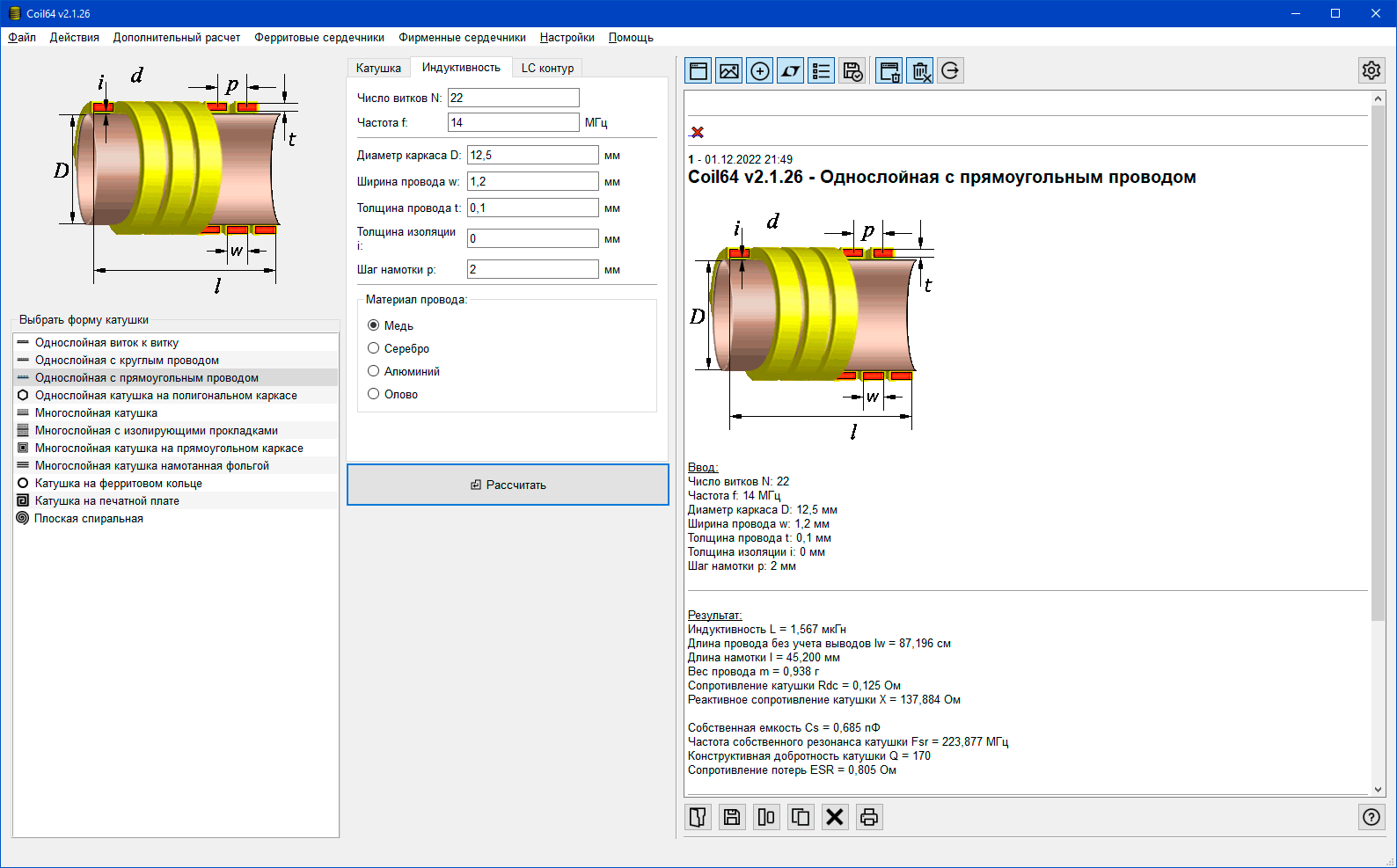
Скриншоты программы



Последнии комментарии
Расчет индуктивности на печатной плате
04.05.2026 05:32Хотелось бы задать шаг намотки, и изменить соотношение w/s чтобы можно было задать значение до 10.
Автор: AlbertРасчет однослойной катушки индуктивности
31.07.2025 18:17Приношу свои извинения... Действительно, при расчетах величина частоты на число витков не...
Автор: Валерий